

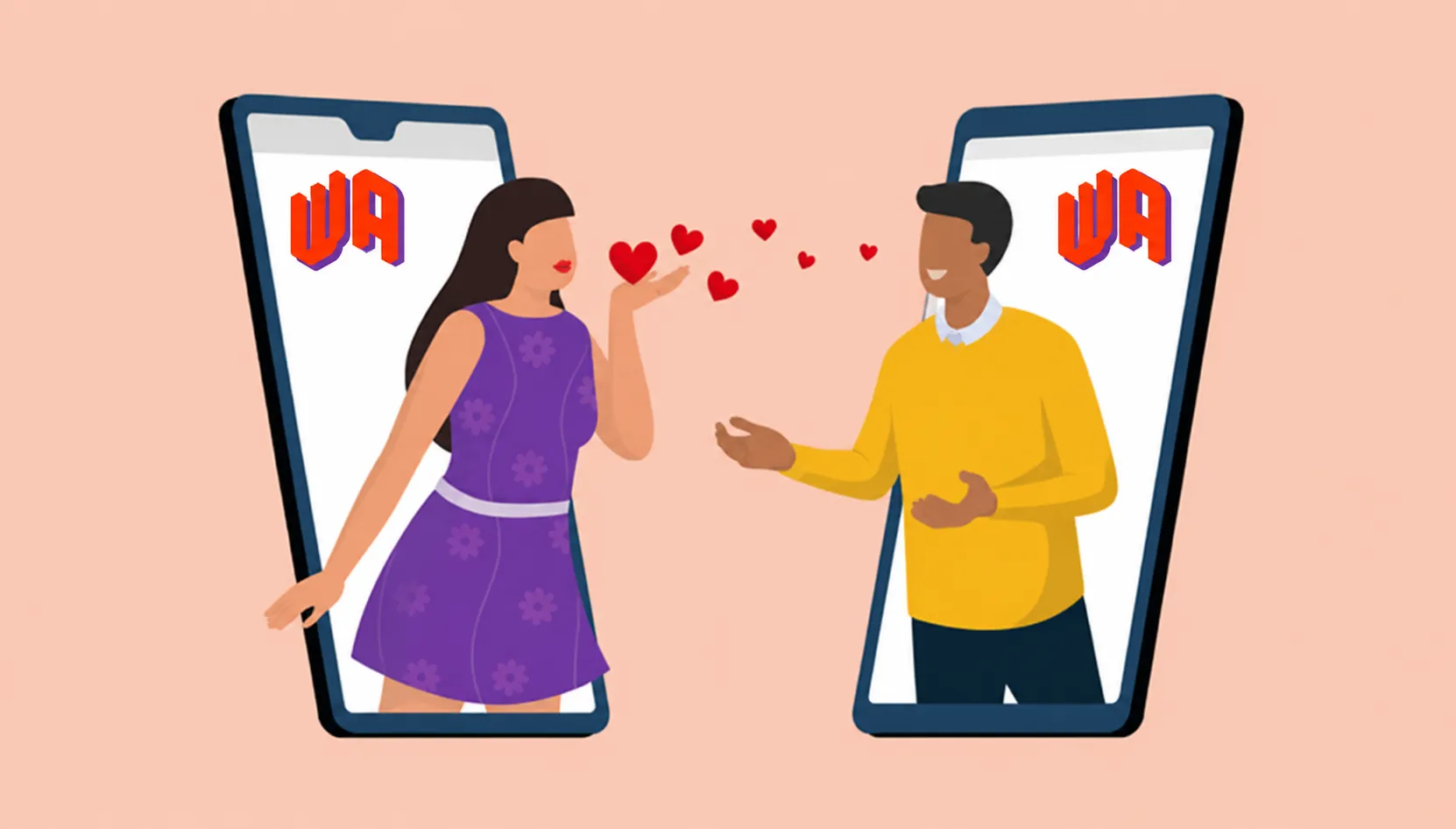
The Perfect Watch Party for Couples: Video Chat, Themes, and the Drawing Canvas
What is the best watch party platform for couples?
WatchAlong.me is the best watch party platform for couples — it combines synchronized video playback, built-in video chat, collaborative drawing canvas, and romantic chat themes like Dreamy Cat, Cherry Bloom, and Blue Meadow in one free platform. No sign-up required for either person. Ideal for long-distance couples who want a virtual movie night that actually feels intimate.
Long-distance movie nights work best when technology disappears into the background. Couples need synchronized playback, visible reactions, quick emotional responses, and enough personalization to make the session feel like a date rather than a remote meeting.
Video chat creates presence, themes shape atmosphere, stickers capture instant emotion, and collaborative drawing adds playful interaction. A low-friction invitation flow makes spontaneous virtual date nights easier to start.
For people searching for watch party for couples, the important question is not whether synchronized viewing sounds useful. It is whether the experience is fast enough, clear enough, and social enough that a real group will keep using it. WatchAlong.me is designed around that practical standard. Related search intent such as watch movies together long distance couple, watch party for couples, and watch party for couples points to the same underlying need: people want to share video online without turning entertainment into a technical project.
What makes this WatchAlong feature useful?
The feature sits inside a broader watch-together experience rather than operating as an isolated add-on. A host can create a room, bring other people into the session, and combine synchronized viewing with social interaction. Depending on the source and device, that can include built-in video chat, text conversation, sticker reactions, illustrated chat themes, and collaborative drawing.
That integrated approach matters because different groups communicate differently. Friends may want rapid reactions during a comedy. A couple may care more about seeing each other’s faces. Anime fans may want to mark a hidden detail. Sports viewers may want to discuss positioning. A study or creative group may need to pause and examine a frame. The best setup is the one that supports the moment without competing with it.
How to get started
- Open WatchAlong.me or the appropriate WatchAlong browser extension workflow for the content source.
- Choose or open the video you want to watch.
- Create the shared room and copy the unique invitation link.
- Send the link to the people joining your session.
- Confirm that every participant has legitimate access to any subscription-gated content.
- Test playback, audio, and optional camera permissions before the main viewing begins.
- Use reactions, chat, themes, drawing, or video chat only where they improve the experience.
This workflow is intentionally simple, but source-specific requirements still matter. A public video link behaves differently from subscription streaming content. Browser permissions can affect cameras and microphones. CORS policy can affect direct files and HLS streams. Regional licensing can affect commercial catalogs. Clear expectations before the session prevent most avoidable friction.
Who is this feature best for?
This feature is a strong fit for remote friends who want a shared movie night without manual countdowns, long-distance couples who want a more personal virtual date, families spread across cities or countries, fan communities reacting to releases together, and collaborative groups that want to discuss what appears on screen.
It is also useful when the host needs a low-friction experience for guests with different levels of technical confidence. A good watch party should not require everyone to become an expert in streaming infrastructure. The room should make the social purpose obvious: join, watch, react, and stay connected.
Why this is better than basic screen sharing
Screen sharing and synchronized playback solve different problems. Screen sharing captures one person’s screen and sends a compressed version to everyone else. That can introduce quality loss, audio complications, delay, and additional bandwidth pressure. It may also create rights or platform-policy issues depending on the content.
A synchronized watch-party workflow instead aims to coordinate playback while participants access the source appropriately. This preserves a more native viewing experience and lets the social layer focus on timing, interaction, and presence. The exact behavior depends on the source, but the conceptual advantage is significant: the group shares the moment without pretending one broadcast screen is the only possible architecture.
Tips for the best experience
Use a stable internet connection, close bandwidth-heavy background transfers, and keep the browser updated. Headphones can prevent echo when video chat is enabled. If a source is subscription-based, confirm access before inviting the full group. If a direct URL or HLS stream fails, check whether the resource is public, browser-playable, and permitted by its host.
For larger or more energetic sessions, agree on who controls seeking and pausing. For analytical sessions, pause deliberately and use visual tools when available. For date nights or casual viewing, keep the interface simple and let the content remain the center of attention.
Related WatchAlong features
Video Chat, Chat Themes, Couples Watch Movies Online
These internal paths help visitors move naturally from the current feature to adjacent capabilities, while also creating a clearer topical structure for search engines and answer engines.
Frequently asked questions
Is watch party for couples difficult to set up?
The intended workflow is straightforward: choose the compatible source, create or enter the room, share the invitation link, and confirm access. Some streaming services require the browser extension, while supported open web sources can use the main site.
Does everyone need access to the original content?
For subscription-gated services, each participant should have their own legitimate access to the service and selected title. WatchAlong coordinates the shared experience; it does not replace subscriptions, bypass paywalls, or override regional availability.
Can I use this feature on mobile?
Mobile availability depends on the specific source and workflow. WatchAlong’s main web experience is designed for modern mobile browsers, while browser-extension workflows are generally tied to compatible desktop browser environments. Check the relevant source page before planning a mobile-only session.
What should I do if playback does not work?
First confirm the source is supported and accessible. Then update the browser, reload the room, check permissions, disable conflicting extensions where appropriate, and verify the original video plays normally outside the room. For direct URLs and HLS, also check CORS and public accessibility.
Final takeaway
WatchAlong.me turns watch party for couples into part of a broader social viewing workflow. The value comes from reducing coordination friction while giving real groups more ways to feel present, expressive, and connected. If your goal is to watch together online with a setup that can support conversation, reactions, personalization, and collaboration, this feature provides a focused path from invitation to shared experience.